Work out costs before you quote
Use the rate and minimum quantity for the service you’re quoting.


Looking for TikTok followers, likes or views, or Telegram members and post views? Compare prices, minimum orders and refill terms without signing in.
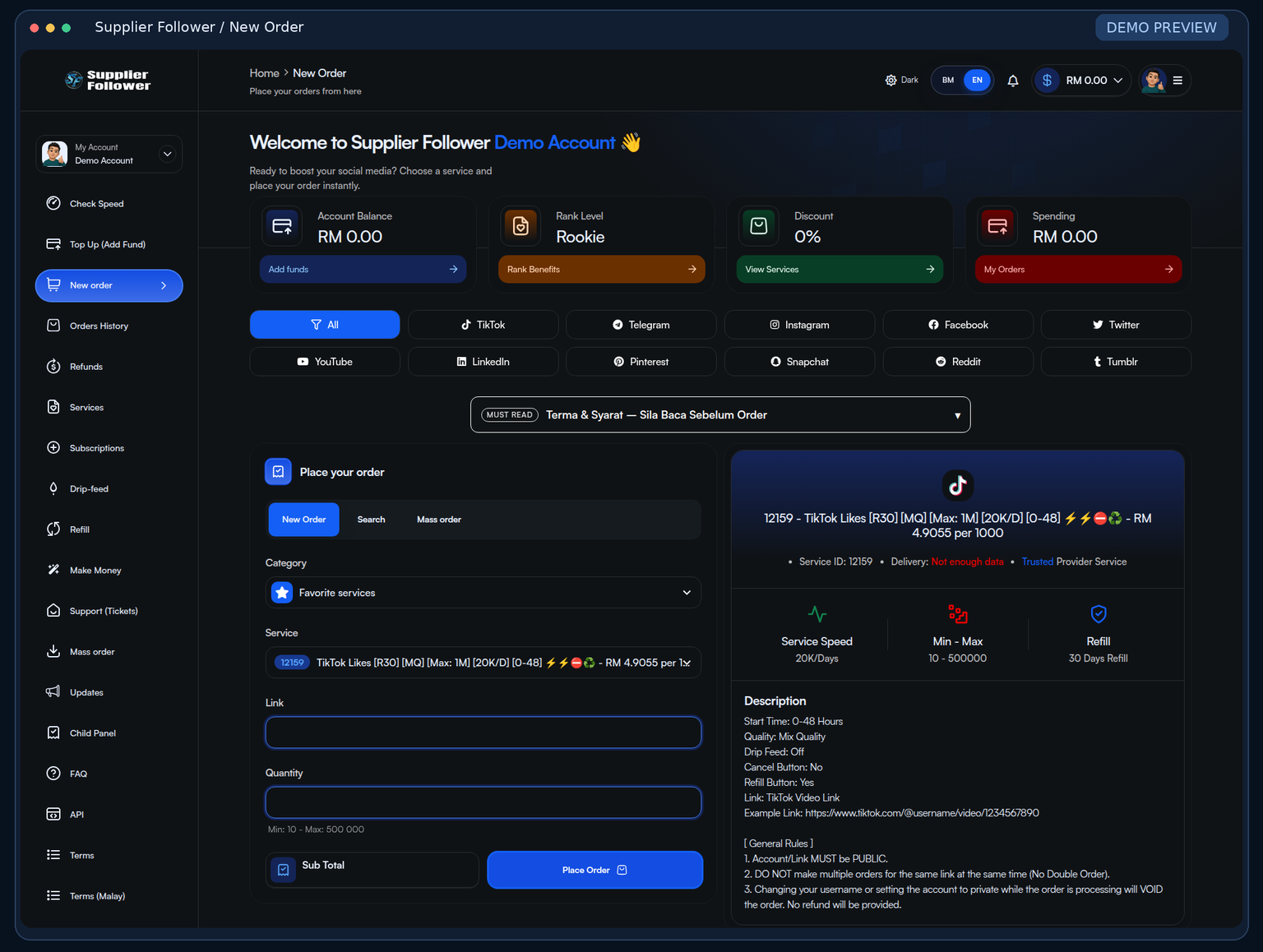
Open the catalogue, compare the options and check the type of link the service accepts.
Create an account if you’re new. Add funds once you’ve chosen the service and quantity.
Enter your link and quantity, then track your order in the order history.
Services for the same platform can have different rates and requirements. Check the individual description, not just the service name.
Quote based on the catalogue, then keep track of what you’ve already sent.
Use the rate and minimum quantity for the service you’re quoting.
Look up an order ID and check its status before resubmitting the same link.
Check the docs for service listing, order submission and status checks.
See the available methods, minimum amount and any fees under Add Funds before you confirm a top-up.



Pick the platform and the right link type. Check the minimum quantity before you add funds.
Check the rate, estimated start and refill window before you quote or give a delivery estimate.
Check the minimum quantity, estimated start time and refill terms for the package you choose.
View services & pricesNo. You can check rates and order limits in the public service catalogue. Sign in or create an account when you are ready to order.
Yes. Choose a service based on its minimum order and the type of link it accepts.
No. Check the individual service description for eligibility and the refill window before ordering.
No. It estimates when processing may begin, not when the full order will be delivered.
Create an account to order, or ask us if you’re unsure which service fits your link.